








Gerador
História
Gerador de plantas AI
Ferramenta de Mudança
Modelo
Básico
Trocar
Quartos
quarto
-
2
+
banheiro
-
1
+
Cozinha
aberto
fechado
Área bruta
Unidade Métrico
 imperial
Métrico imperialÁrea
< 50㎡
50-80㎡
80-100㎡
100-120㎡
120-150㎡
> 150㎡
Extras
guarda-roupa walk-in
sala de lavagem
sala de armazenamento
sala de serviço
escritório em casa
garagem
despensa
sala e jantar combinados
balcão

Design Your Dream Space Instantly with Our Bloxburg Floor Plan Maker
Unleash your creativity with Ideal House's AI Floor Plan Generator, the ultimate bloxburg floor plan maker. Effortlessly convert your vision into realistic 2D floor plans, perfect for homeowners, designers, and real estate professionals. Generate detailed house plans in seconds, ensuring every layout decision is informed and visually appealing. Whether you're planning a new build or a renovation, our intuitive home design tool simplifies the process.
Generate My Floor Plan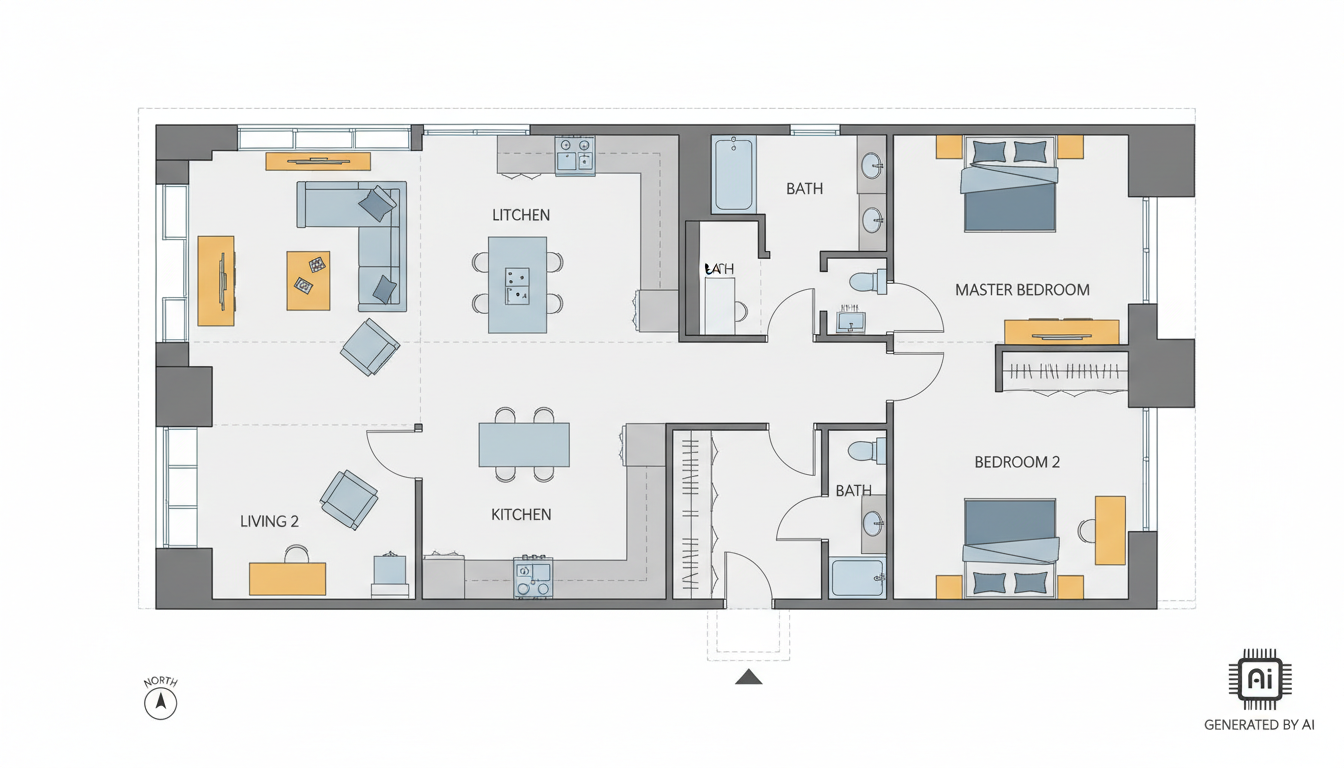


Why Ideal House is Your Go-To Bloxburg Floor Plan Maker

Speed & Precision in Every 2D Floor Plan
Our AI Floor Plan Generator is designed for lightning-fast results. Simply input your desired number of bedrooms and bathrooms, kitchen style (open or closed), and gross area range, and watch as our bloxburg floor plan maker crafts precise 2D floor plans in moments. This allows for rapid iteration and exploration of various house plans, saving you valuable time.
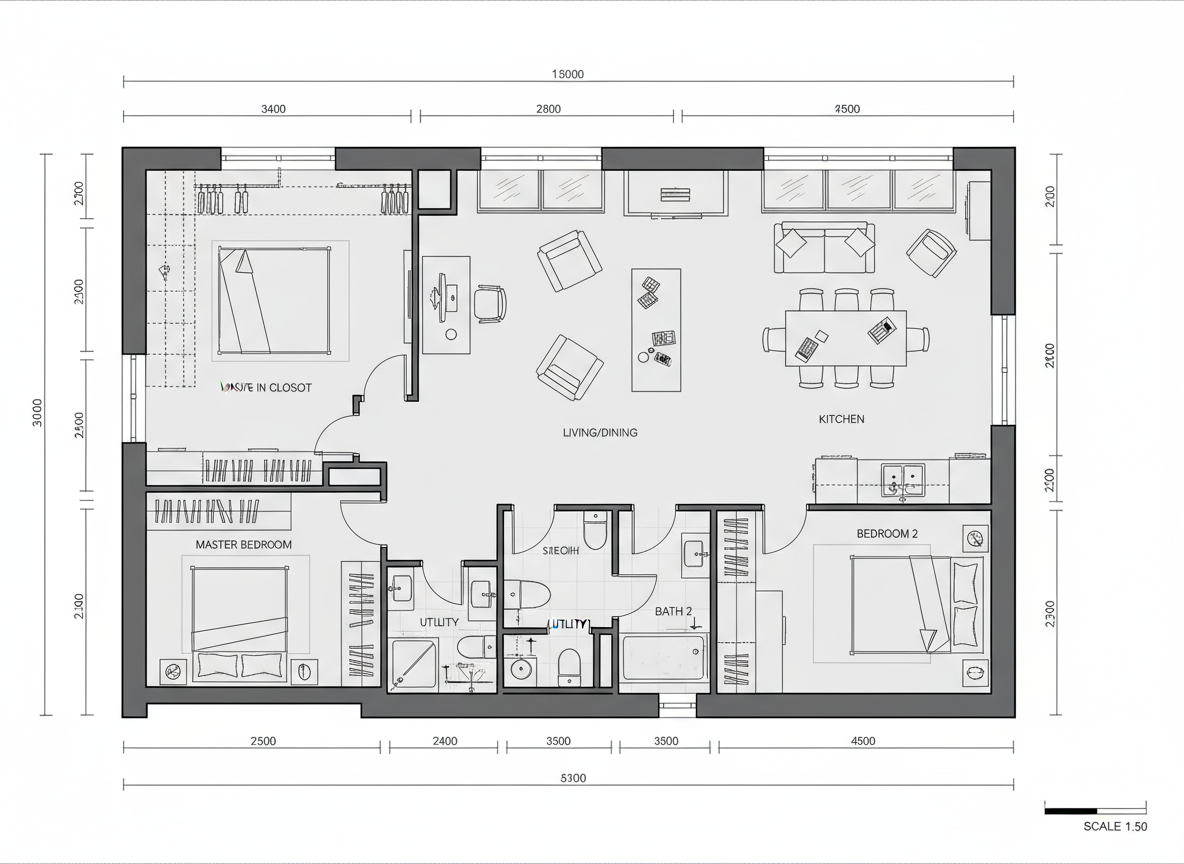
Customizable Layouts for Your Dream Home
Beyond basic dimensions, Ideal House offers extensive customization. Add key 'extras' like a walk-in closet, laundry room, home office, or combined living-dining area. Our advanced floorplan creator intuitively incorporates these elements into your residential blueprints, ensuring every detail contributes to your dream home layout. It's the ultimate online floor planner for personalized design.
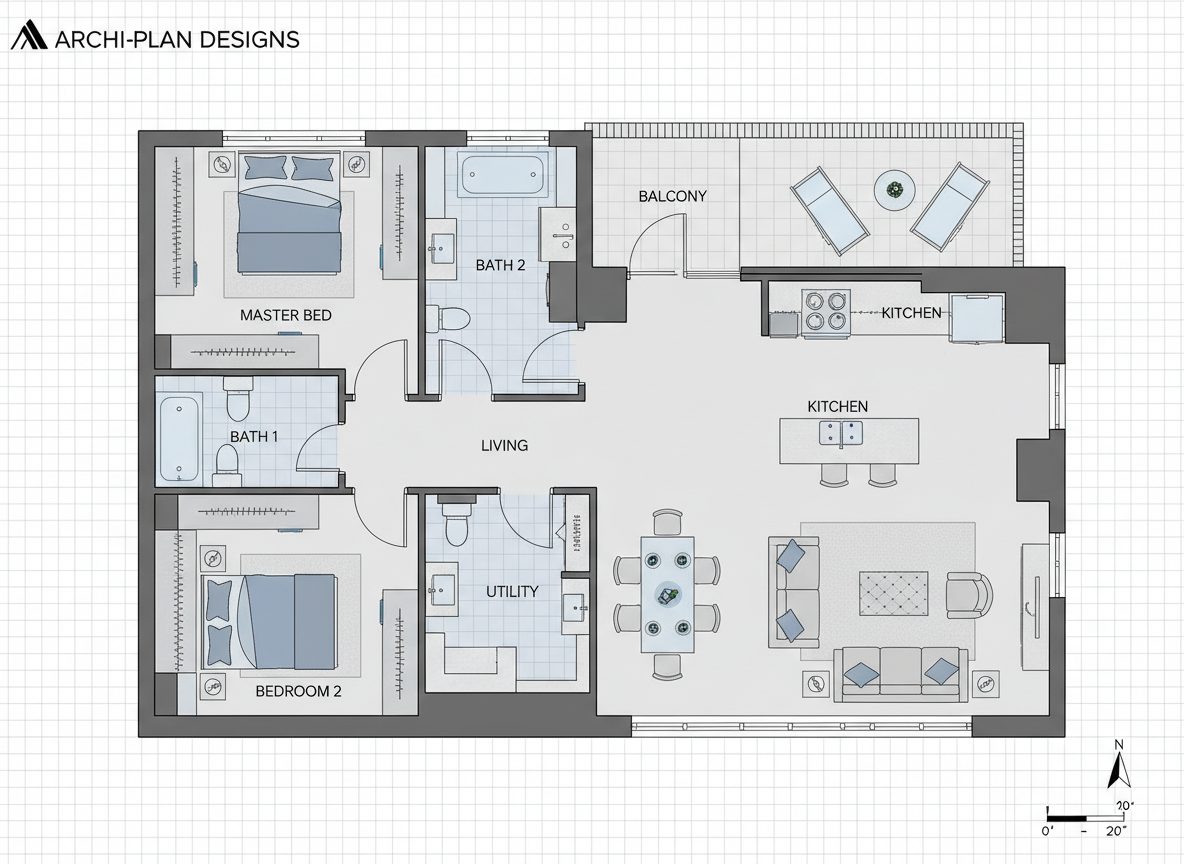
Visualize with Unmatched Clarity
Get clear, presentation-ready 2D floor plans that convey your design intent perfectly. Ideal House’s AI technology ensures that the architectural drawing software produces professional-grade property visualization. This clarity is invaluable for client presentations, real estate listings, or simply refining your own interior layout design before any physical work begins.

Intuitive Design for Every User
You don't need to be an architect to use our bloxburg floor plan maker. Our user-friendly interface makes generating complex house plans simple and accessible. From exploring different room planner configurations to creating detailed customizable floor plans, Ideal House empowers anyone to design house online with ease and confidence. It's truly a home design tool for everyone.

Who Benefits from Our AI Floor Plan Generator?

Homeowners & DIY Enthusiasts: Easily experiment with different layouts for renovations or new builds to create your ideal living space.

Interior Designers & Decorators: Quickly generate and iterate on concepts, present options to clients, and align on design direction.

Real Estate Agents & Developers: Create simple, consistent 2D real estate floor plans for listings, enhancing buyer understanding and interest.

Generate Your Bloxburg Floor Plan in 5 Simple Steps
1
Set Rooms: Choose your desired number of bedrooms (0–4) and bathrooms (1–3).
2
Choose Kitchen Style: Decide between an open or closed kitchen concept.
3
Pick Gross Area: Select a gross area range that matches your desired home size.
4
Add Extras: Multi-select features like a walk-in closet, laundry room, home office, or garage.
5
Generate & Review: Click 'Generate' to create your bloxburg floor plan and review the results instantly.
FAQs About Ideal House's AI Floor Plan Generator
How does Ideal House create floor plans from my selections?
Our AI floor plan generator interprets your inputs for beds, baths, kitchen type, gross area, and extras. It then applies smart algorithms based on common architectural adjacency and circulation rules to draft clear 2D floor plans, presenting fresh concepts with every click.
Can I customize the specific ranges for rooms or areas?
Currently, you can select from predefined ranges for bedrooms (0–4), bathrooms (1–3), and gross area bands. This ensures optimal results from our bloxburg floor plan maker. Kitchen style is a simple open/closed toggle, and extras are multi-selectable to shape your desired layout.
What influence does 'Gross Area' have on the generated floor plan?
The selected Gross Area band guides the overall scale and proportions of the house plans. Choosing the band closest to your target size helps the AI generate the most realistic and functional room planner layout, ensuring rooms and corridors feel appropriately sized for the footprint.
How do 'Extras' like a walk-in closet or home office affect the design?
Extras provide critical information to the AI floor plan maker. Selecting these tells the system to prioritize and integrate these spaces strategically – for example, placing a walk-in closet near a primary bedroom, or a home office in a quieter, more secluded corner, enhancing the overall interior layout design.
Can I save and compare different versions of my floor plans?
Absolutely! Every generated 2D floor plan is automatically saved in your 'Generation History'. You can use the 'Created with AI Floorplan' filter and switch between grid or list views to easily compare multiple drafts side-by-side, helping you pick the perfect customizable floor plan.
Enhance Your Design Journey with Other Ideal House Tools

Photo Enhancer
Automatically improve the lighting, color, and clarity of all your property photos for a flawless listing.
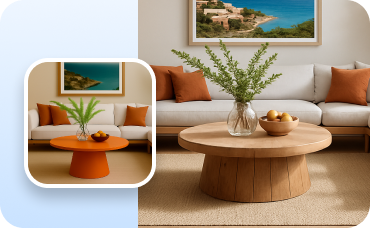
Change Furniture
Swap individual furniture pieces to fine-tune your American Cottage interior.
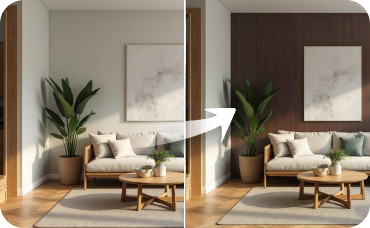
Room Visualizer
Allow potential buyers to toggle between an empty room and your stunning Refined Cool staged version.
Ready to Design Your Perfect Bloxburg Home?
Experience the power of an AI-driven bloxburg floor plan maker to create stunning, functional house plans in minutes. Your dream home layout is just a few clicks away.
Generate My Floor Plan
💰 Ganhe 10% de comissão como Parceiro Afiliado da Ideal House.
Junte-se a nós